







Hard Surface Modeling in Maya
Subscribe to Plus
Subscribe to Plus for unlimited access to premium courses.

Course requirements
Who is this course for?
About This Course
In this video training, you will learn to master Hard Surface modeling in Maya, from basic shapes to complex objects. Whether you are a beginner or an experienced Maya user, this series of tutorials will guide you step by step to fully utilize the 3D tools of the software.
First part – Modeling
You will discover professional techniques to create simple shapes and then evolve to complex shapes on any surface, while respecting the topology of your meshes. You will learn to add precise details with a minimum of subdivisions and to avoid n-gons, for a clean and efficient mesh. This part also includes troubleshooting common issues encountered during Hard Surface modeling.
Second part – Materials and rendering
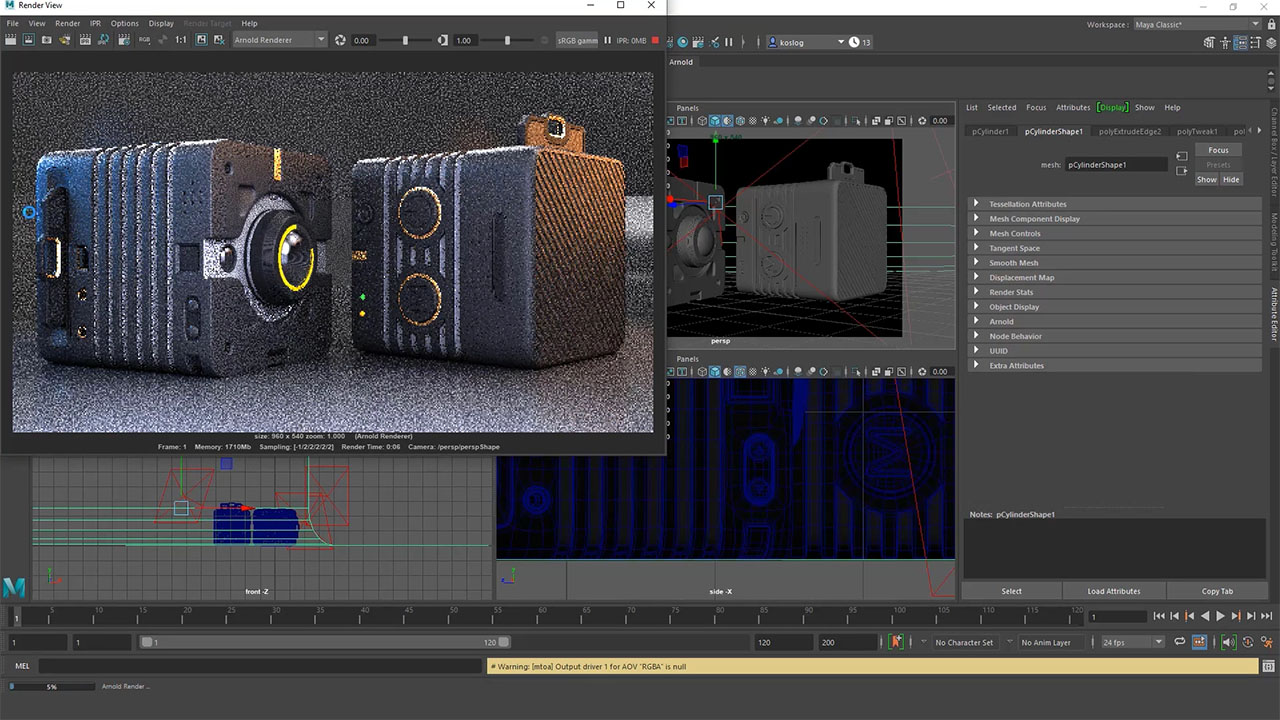
You will learn to create and apply materials to the different objects in your scene. Then, you will see how to properly light your scene and prepare the final render with Arnold, to achieve realistic and professional visuals.
What Will You Learn?
Features course list
Course features
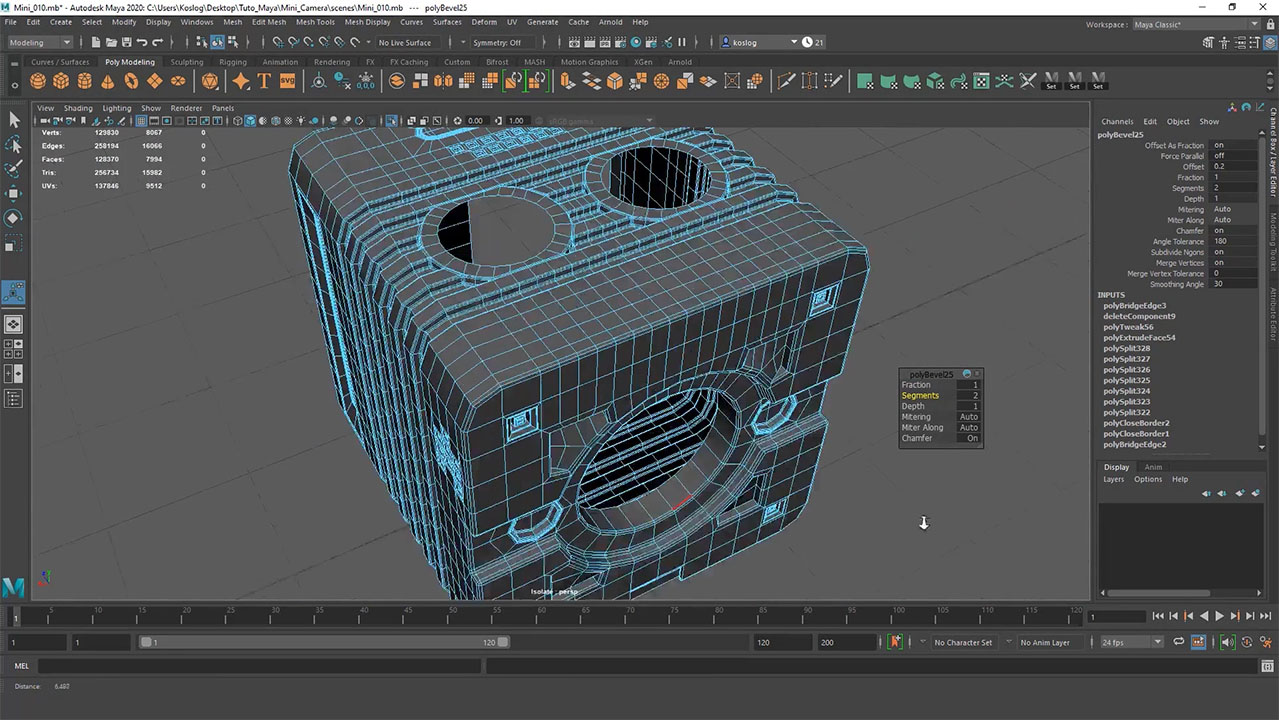
Model clean Hard Surface objects
You will learn to create mechanical or geometric 3D models while respecting a clean topology. This skill includes the effective use of polygonal tools, managing subdivisions, and adding precise details while avoiding n-gons to achieve optimized meshes.
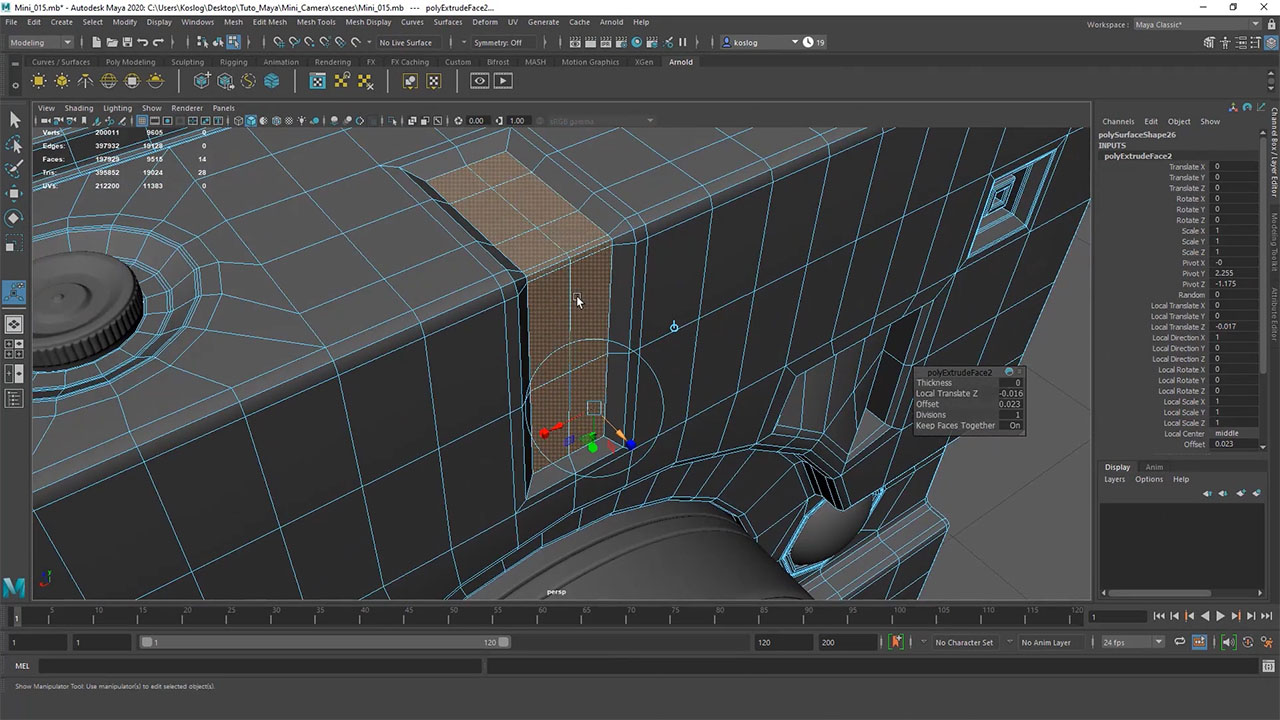
Add details without burdening the mesh
You will be able to enhance your models with cuts, bevels, and technical elements while controlling polygon density. The goal is to produce complex shapes that are readable and professional, suitable for rendering, animation, or integration into a production pipeline.
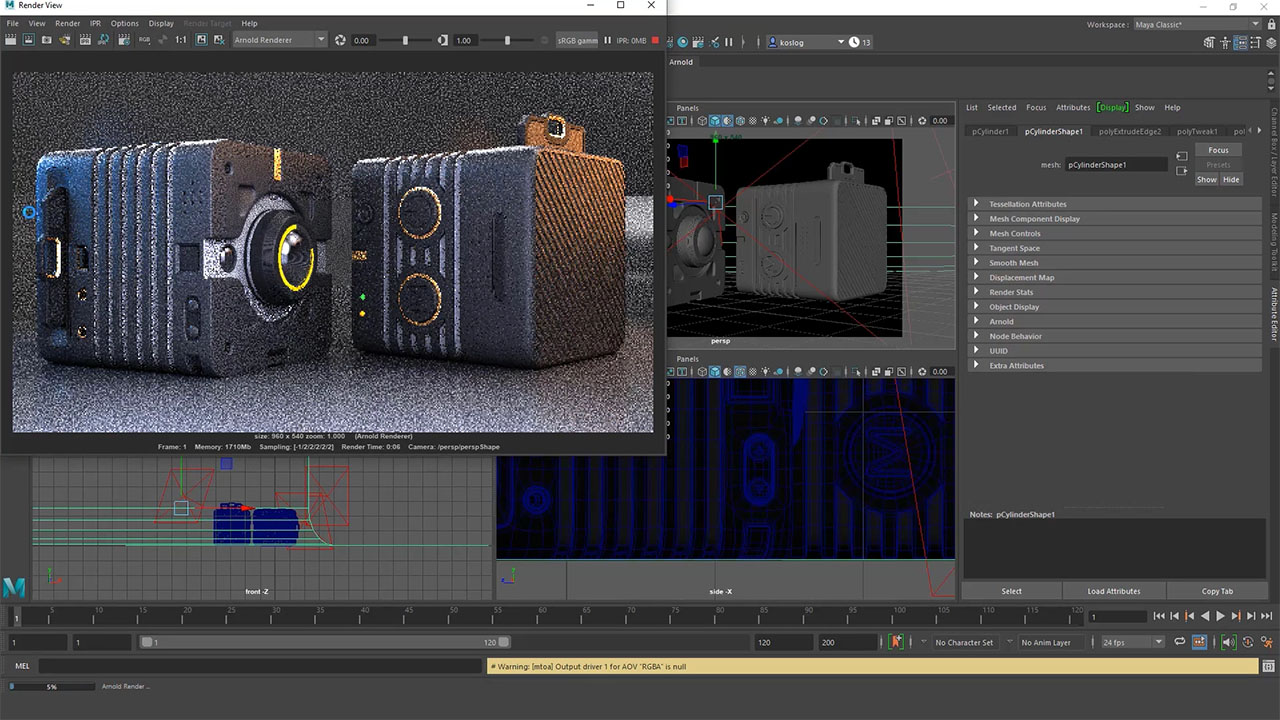
Prepare a realistic render with Arnold
You will learn to apply simple materials, organize the lighting of your scene, and set up the Arnold rendering engine to achieve clean and convincing visuals. This skill will allow you to effectively showcase your Hard Surface models.
Gallery image
Gallery image with text

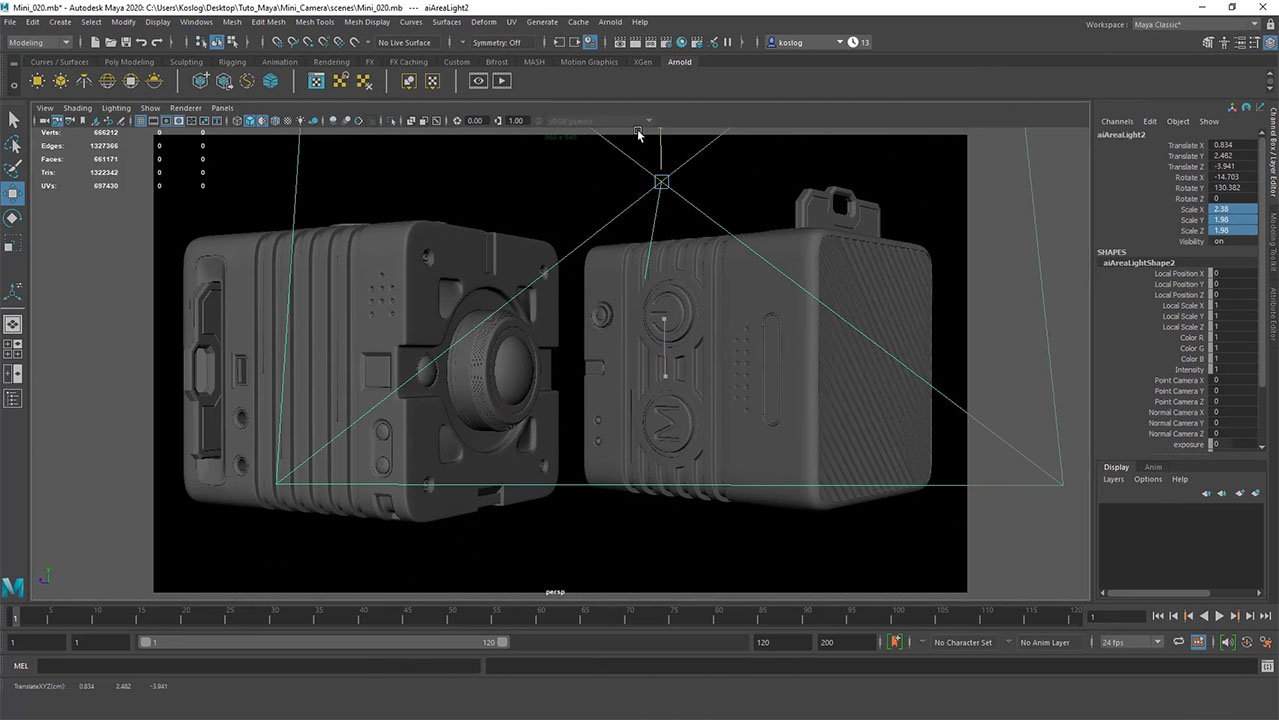
Curriculum Overview
This course includes 2 modules, 8 lessons, 1 quizzes, and 1h 47min hours of video.
This resource contains all the source files you need to follow this training, as well as the files of the projects completed by the trainer.
Evaluate your 3D modeling skills in Maya through a series of questions about the essential tools, techniques, and best practices.
Course Certificate

Trusted Companies
Companies that trust us



FAQ
Check the frequently asked questions about this course.

Course reviews

Instructor
This Course Includes
Video Subtitles
 French
 English
 Swahili
 Arabic
 Portuguese
Course Audio Tracks
French
English
Swahili
Course Specifications
Send Course as Gift
.svg)
.svg)

.svg)
Jeanne Amevi