






Learn Cinema 4D R20
Subscribe to Plus
Subscribe to Plus for unlimited access to premium courses.
Course requirements
Who is this course for?
About This Course
Whether you are a beginner or a seasoned professional with several years of experience, Cinema 4D R20 is a robust 3D software equipped with AMD Radeon’s powerful ProRender rendering engine, providing you with a wide variety of tools and features to quickly create complex animations that go well beyond your imagination.
Learning Cinema 4D R20 provides an excellent foundation to get started with this software.
What makes this software accessible to many 3D artists is its ease of creating complex shapes as well as its speed in executing spectacular animations.
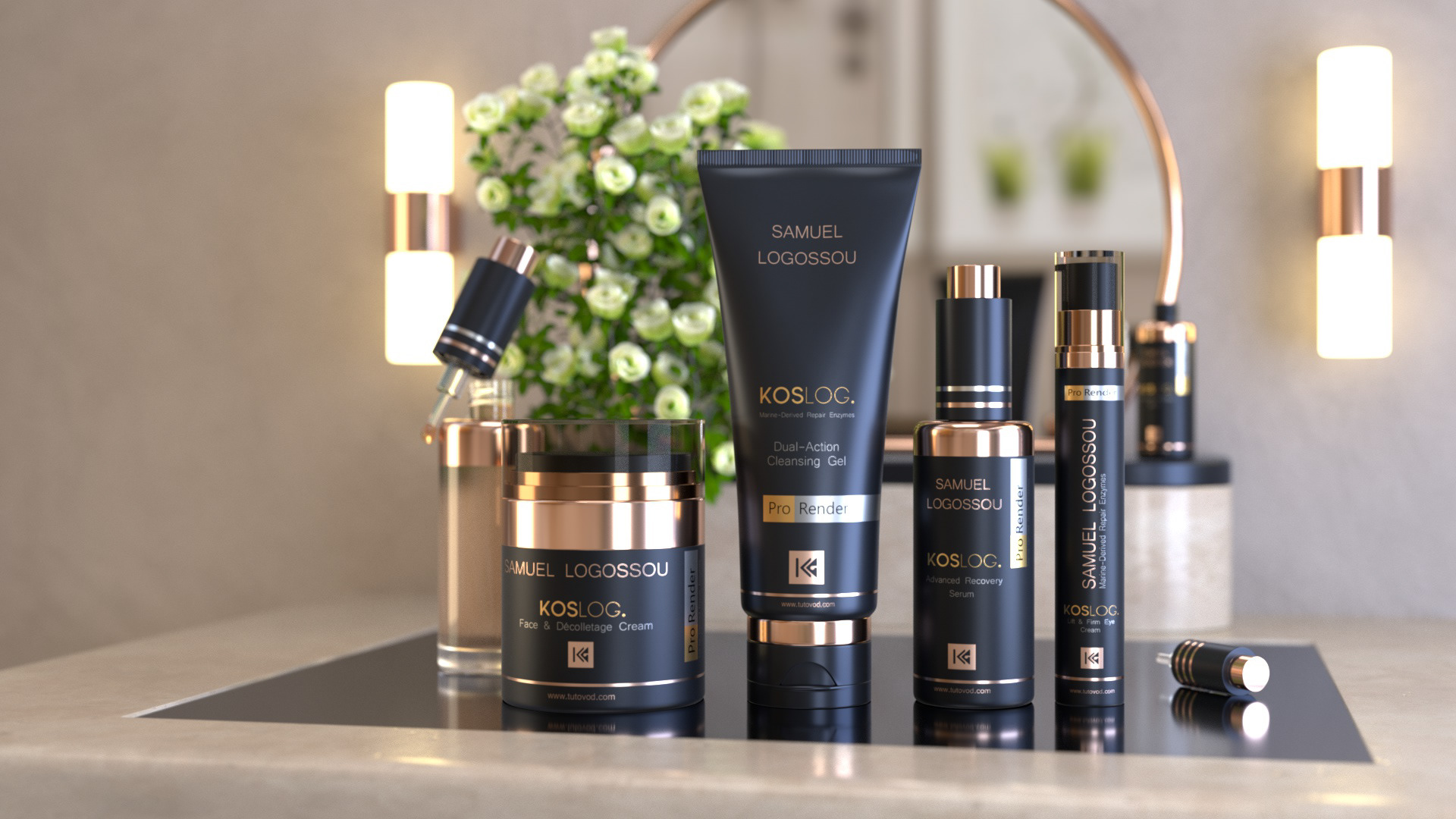
This training aims to familiarize you with the Cinema 4D R20 interface, introduce you to the new features of this version, and initiate you to the essential tools and functions of this extraordinary software through the step-by-step realization of a complete mini-project.
Learn Cinema 4D R20 by practicing
We will start with modeling by addressing different techniques used in Cinema 4D.
Next, we will see how to effectively light a 3D scene, and then we will learn to create several types of materials using the new PBR material system.
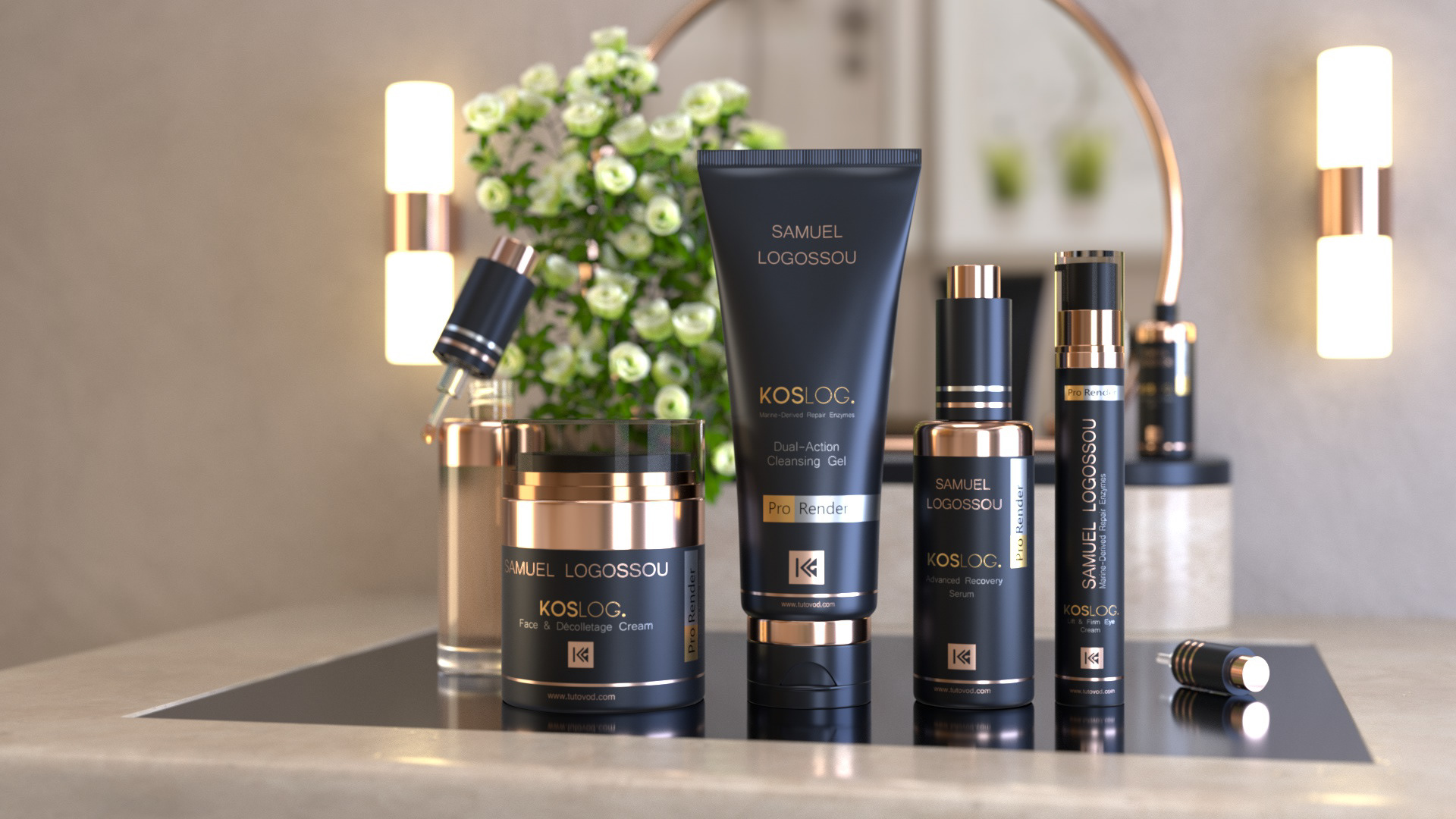
Finally, we will use the ProRender rendering engine to calculate the final image.
Cinema 4D R20 offers enormous and virtually unlimited possibilities to bring your imagination to life. With a little practice, you will be able to create impressive projects.
By the end of this training, you will have completed your first full project in Cinema 4D R20, which is an excellent starting point to enter the exciting world of 3D.
What Will You Learn?
Features course list
Course features
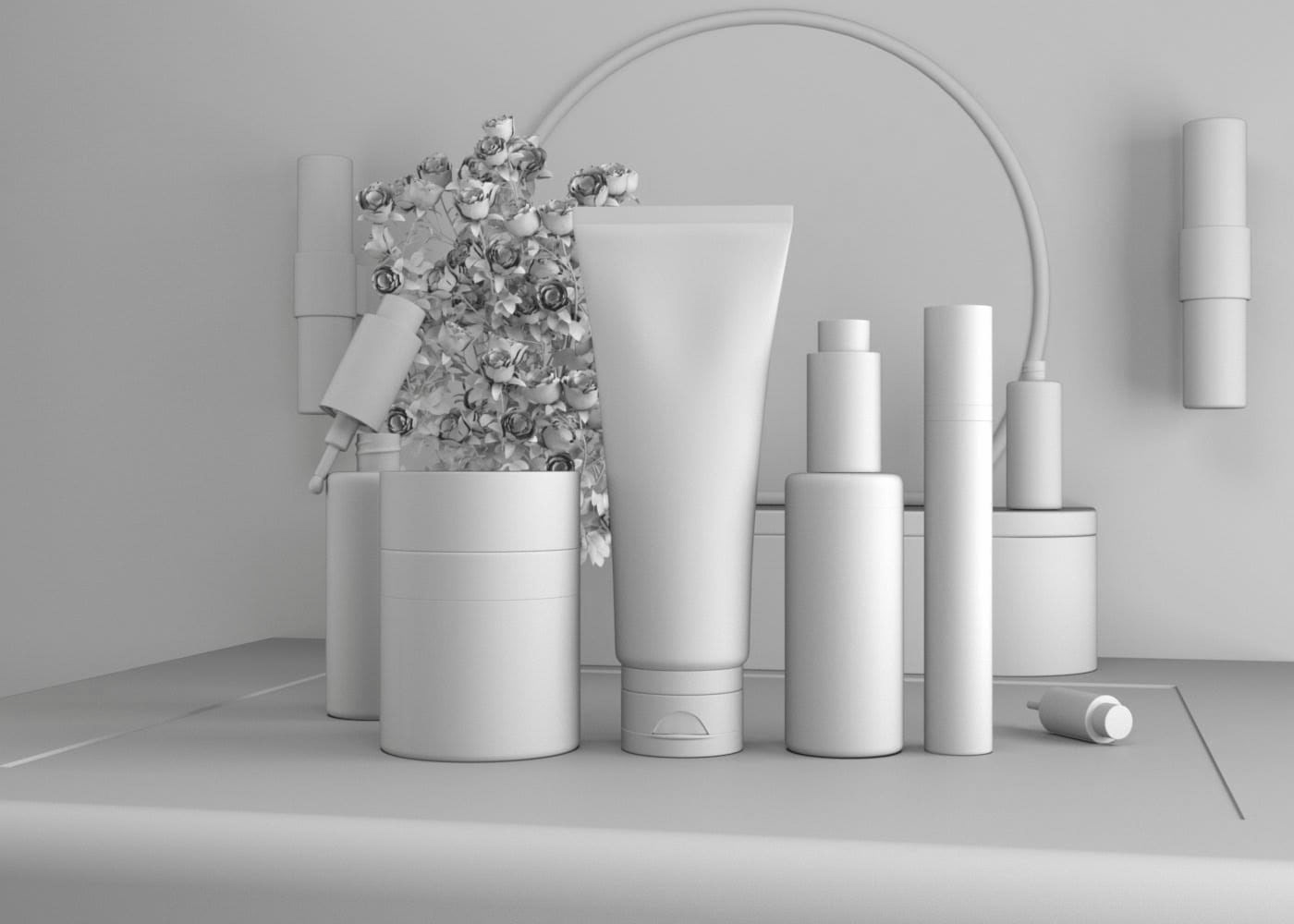
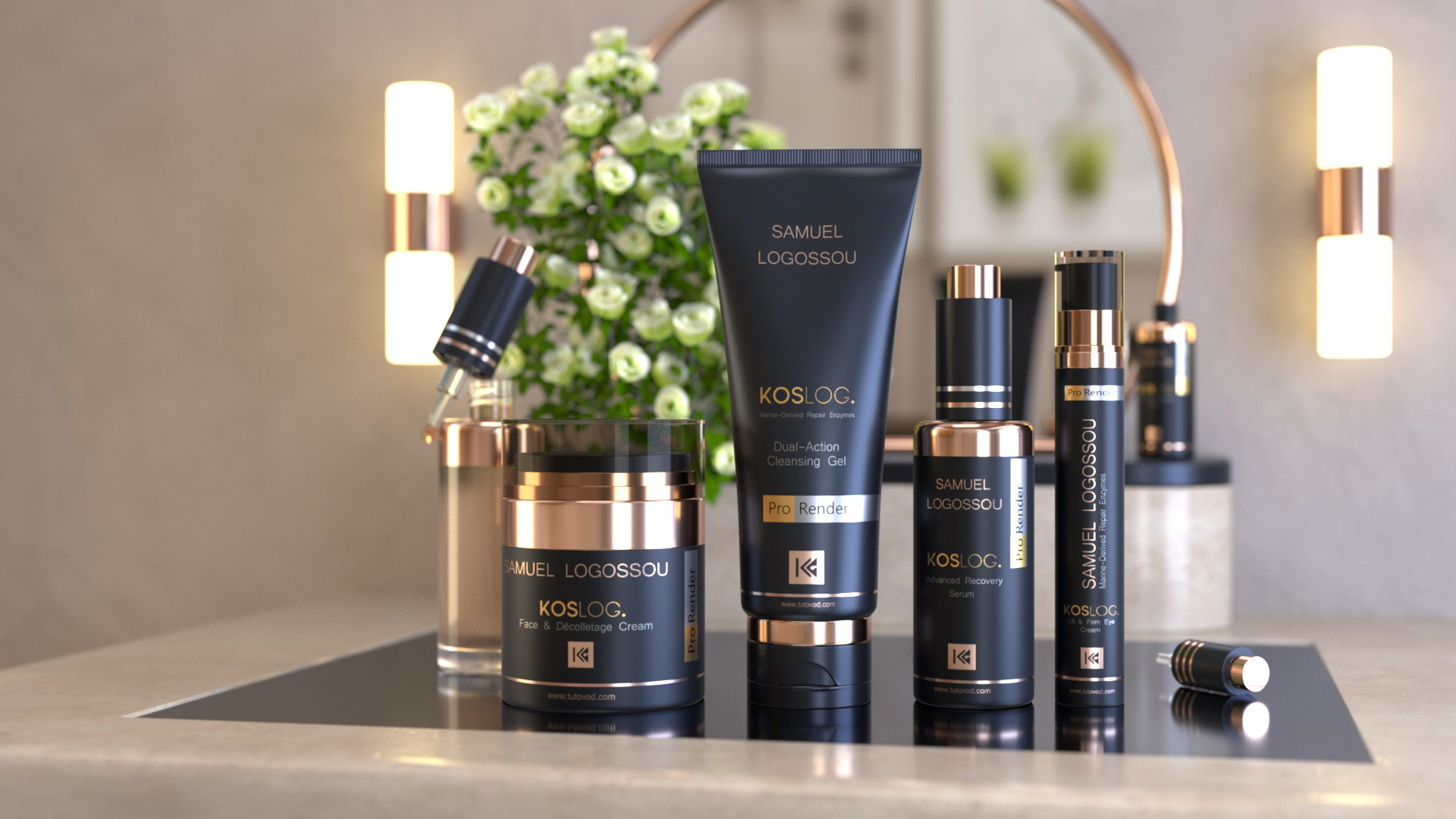
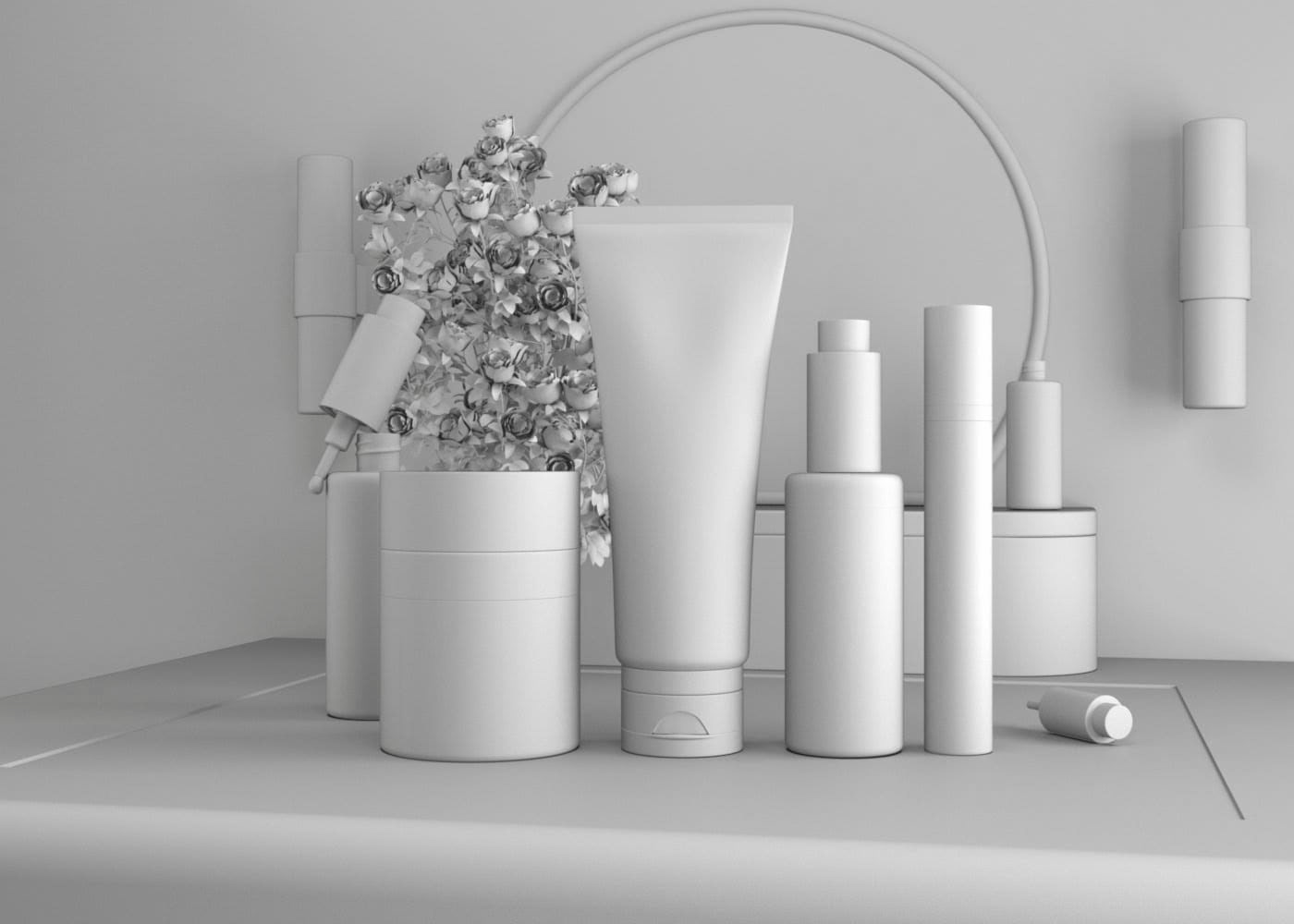
Model realistic cosmetic packaging
Students will learn to design and structure different types of cosmetic packaging in 3D (bottles, jars, tubes, boxes). They will understand the best practices for clean modeling, the use of primitives, deformers, and volumes to achieve credible shapes ready for photorealistic rendering.
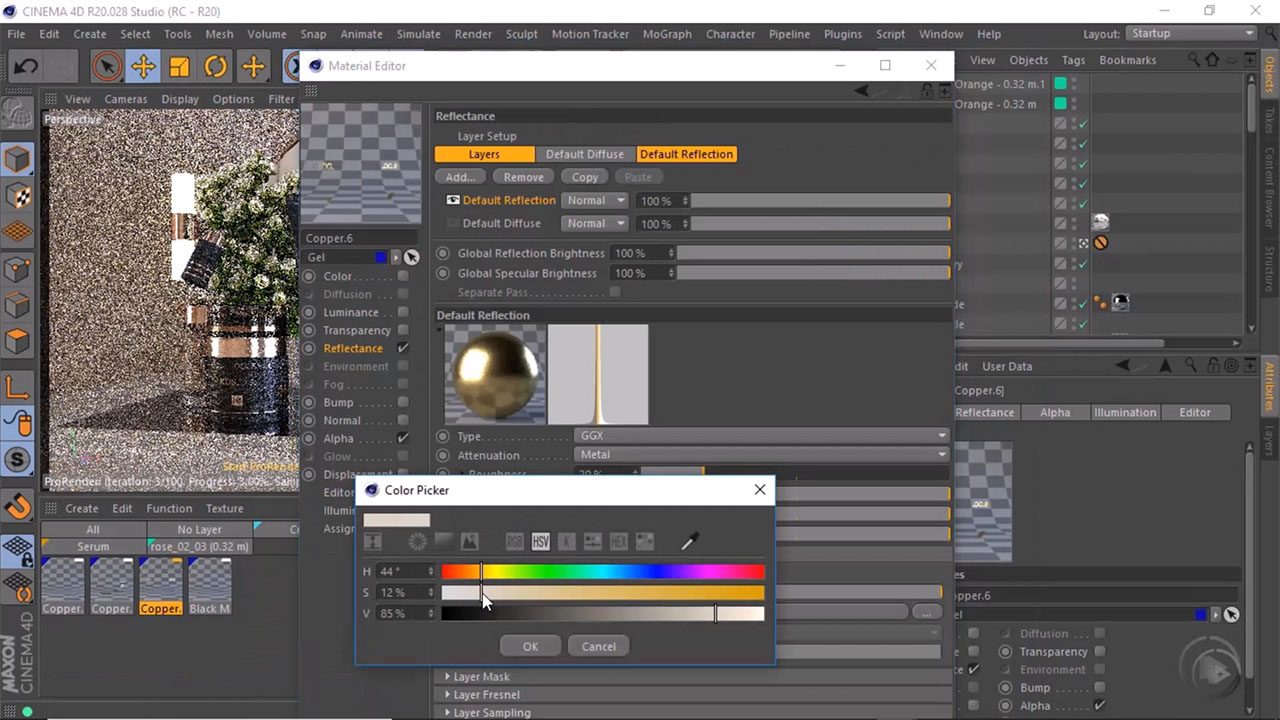
Create compelling produced materials
This skill will enable students to design PBR materials suitable for cosmetic products: plastic, glass, metal, printed labels, or matte/glossy surfaces. They will learn to manage textures, UVs, and physical properties to achieve a professional visual rendering.
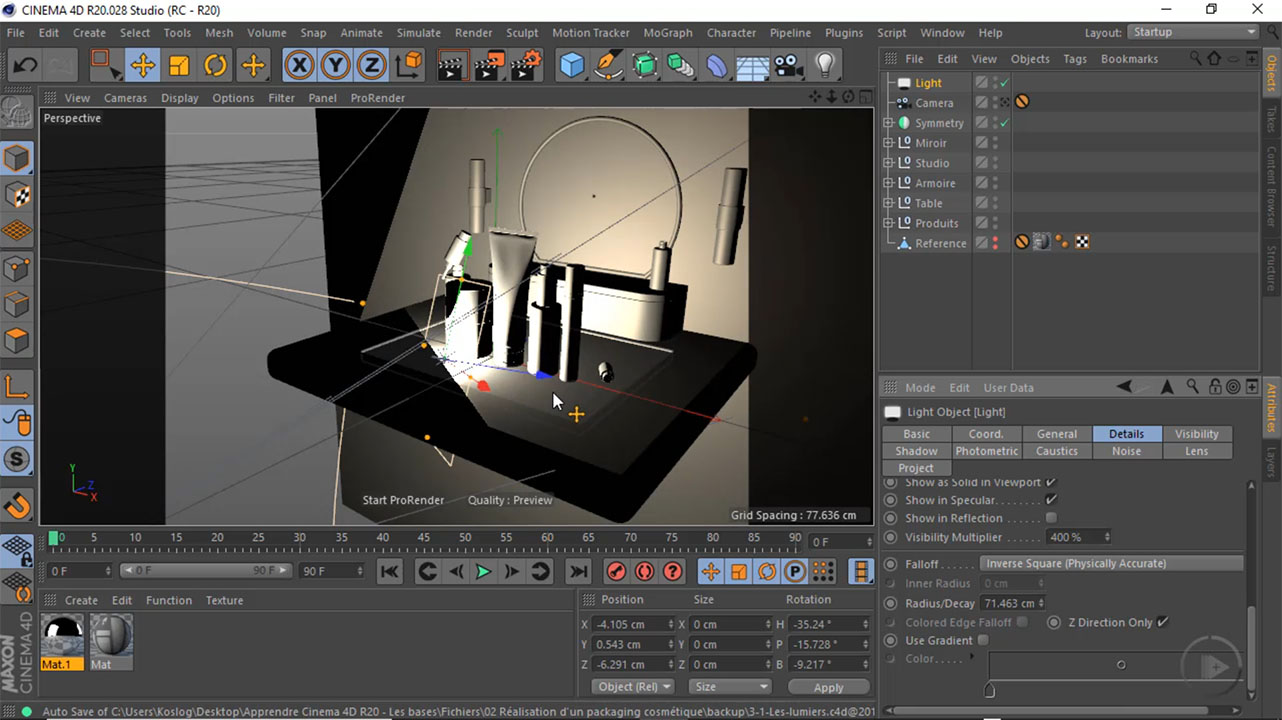
Highlight a product with light
Students will learn to build effective studio lighting to enhance a product. They will discover how to use lights, HDRI, shadows, and reflections to create a coherent visual atmosphere that highlights volumes, materials, and the identity of the packaging.
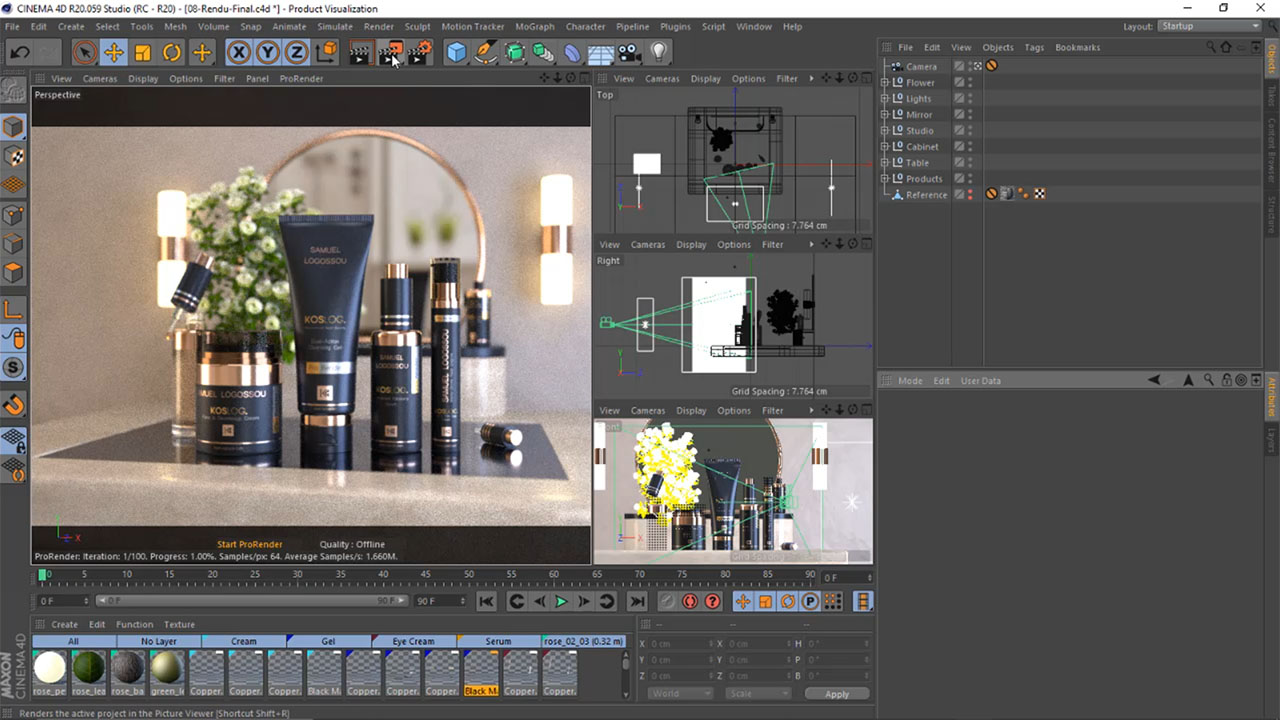
Achieve a professional photorealistic rendering
Through a comprehensive project, students will master the configuration of the rendering engine to produce clean and credible visuals. They will learn to optimize image quality, manage noise, reflections, depth, and final adjustments to achieve a rendering worthy of a commercial presentation.
Gallery image
Gallery image with text

Curriculum Overview
This course includes 11 modules, 53 lessons, 1 quizzes, and 9h 14min hours of video.
Course Certificate

Trusted Companies
Companies that trust us



FAQ
Check the frequently asked questions about this course.
Recent Reviews
See what students are saying about the course.


Course reviews
Jeanne Amevi

Instructor
This Course Includes
Video Subtitles
 French
 English
 Arabic
 Portuguese
 Swahili
Course Audio Tracks
French
English
Arabic
Portuguese
Swahili
Course Specifications
Send Course as Gift
Tags
.svg)
.svg)

.svg)
Reply to Comment